

Description
Put your leaders’ voices at the heart of your intranet. The Leader Message web part lets you show a short message from your CEO, director or team lead on any modern SharePoint page. It has just three parts: a photo, a quote, and the leader’s name and job title. It takes less than a minute to set up and matches your site’s look automatically.
Why use a leader message on your intranet?
A message from leadership builds trust, shares company direction and makes your intranet feel personal. Most SharePoint pages make you piece this together from image and text web parts. Leader Message is built just for this job, so it looks polished every time, with no design work needed.
Key features
Four layouts
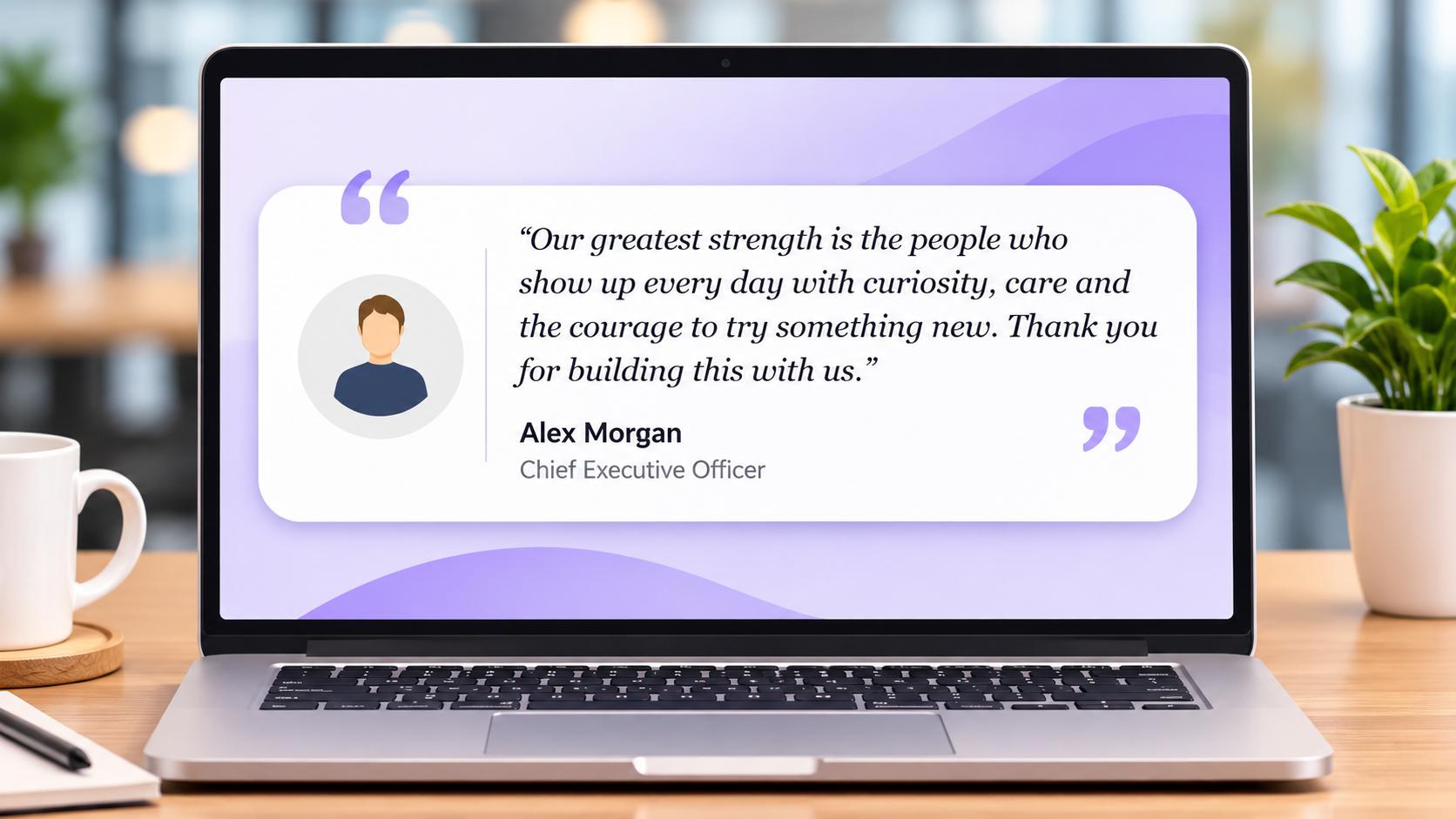
- Side by side: round photo on the left, with the quote, name and title on the right.
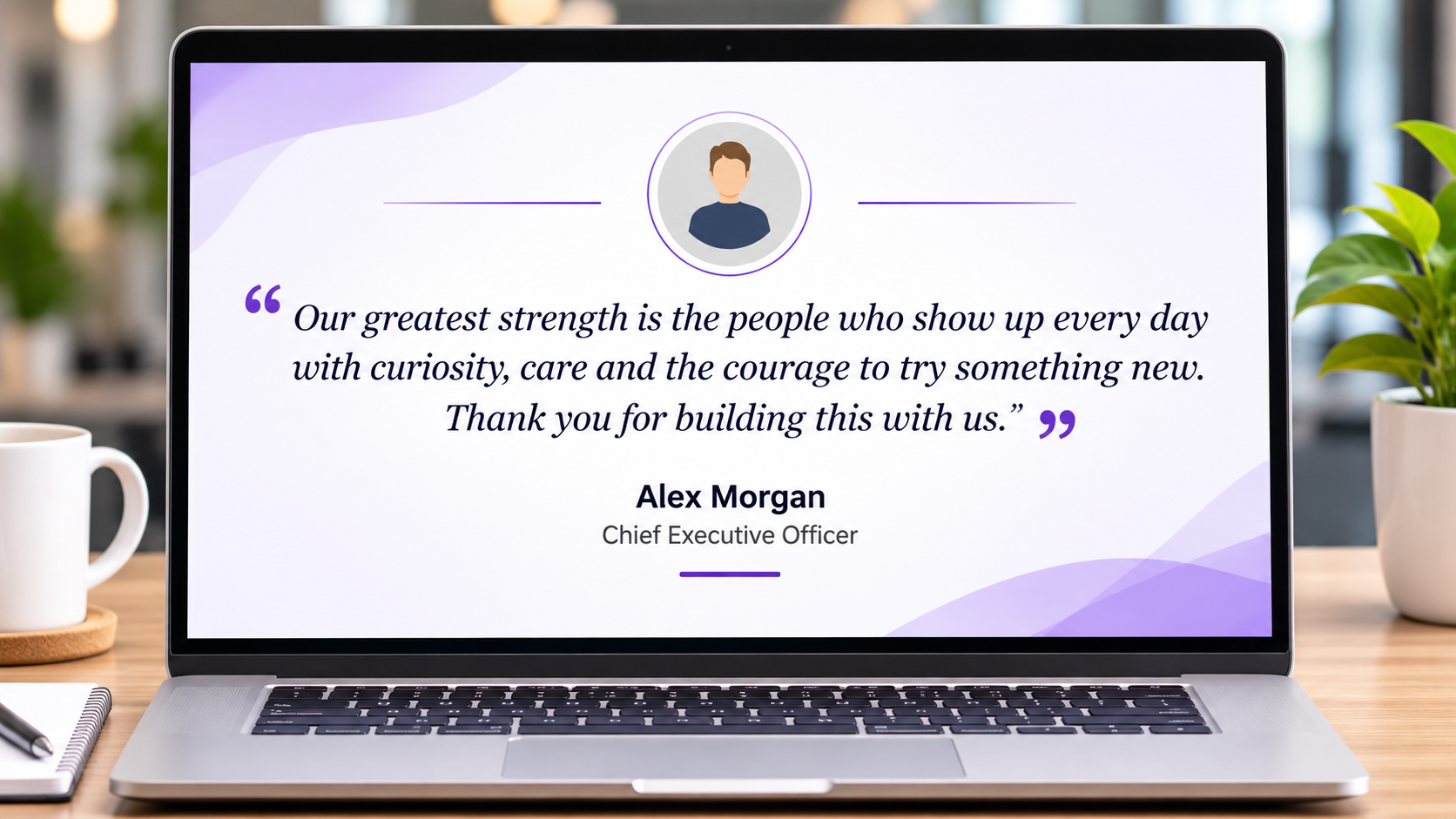
- Centered: photo on top, with everything centered below it. Ideal for home pages and hero sections.
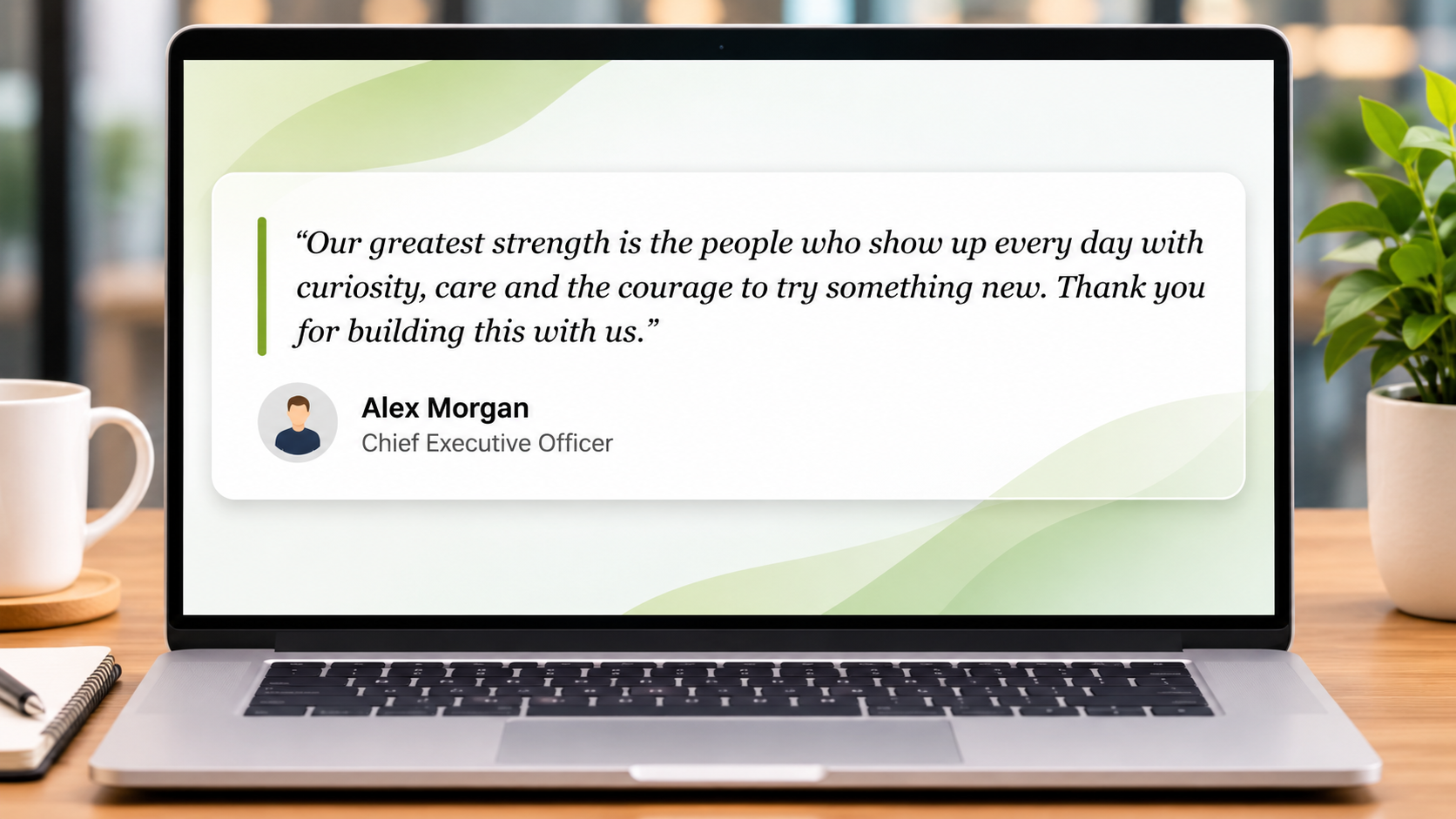
- Accent bar: the quote leads, with a coloured bar beside it, followed by a small photo, name and title.
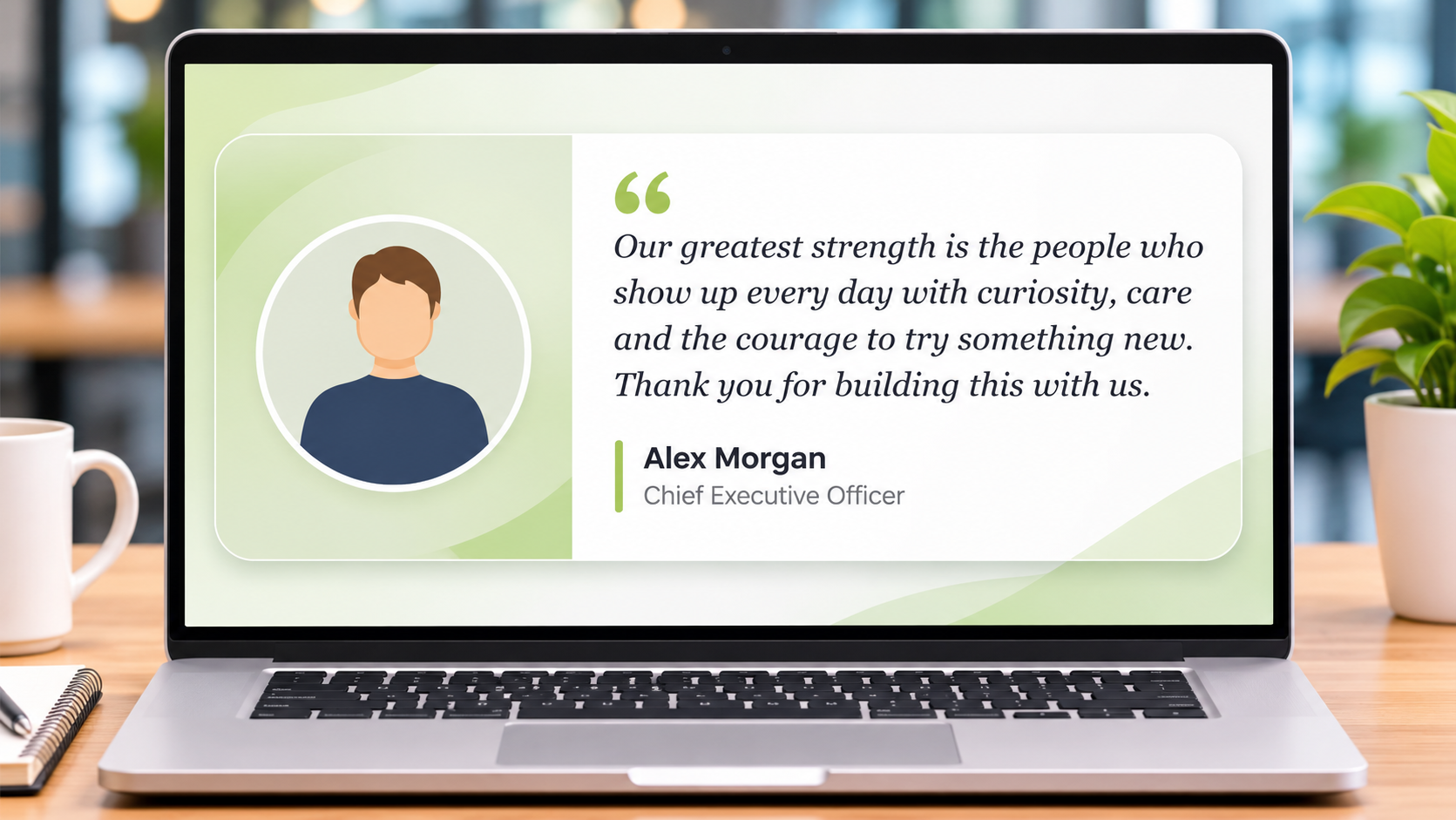
- Photo panel: a large photo fills one side of the card, with the quote beside it. Works well for CEO welcome messages.
Matches your SharePoint theme
The web part uses your site’s theme colours automatically, so it looks right on light, dark and coloured page sections. You can also pick your own accent colour to match your brand.
Fits any column
Leader Message adjusts to the space it’s placed in, not just the screen size. It looks good in full-width, two-column and three-column sections, and on phones.
Easy image upload
Upload a photo from your computer, choose one already on your site, or paste a link. Uploaded photos are saved to your site’s Site Assets library.
Polished even without a photo
If there’s no photo yet, the web part shows the leader’s initials in a coloured circle. Your page never shows a broken image.
Simple settings
Everything is in the standard SharePoint editing panel:
- Leader photo, quote (up to 300 characters), name and job title
- Choice of layout, with a visual preview of each
- Quote marks on or off
- Accent colour
- Card style: bordered, shadow or none
Changes show on the page instantly while you edit.
Note: Full-width sections are a standard SharePoint limitation. They are natively supported only on Communication Sites and are not available on Team Sites. This applies to all web parts, including Microsoft’s out-of-the-box web parts and custom-developed ones.
If you are using a Team Site and need a full-width layout, you can download and install our FullWidth extension from here.


There are no reviews yet.