


Description
📝 Carousel Web Part – Feature Description (Client-Friendly)
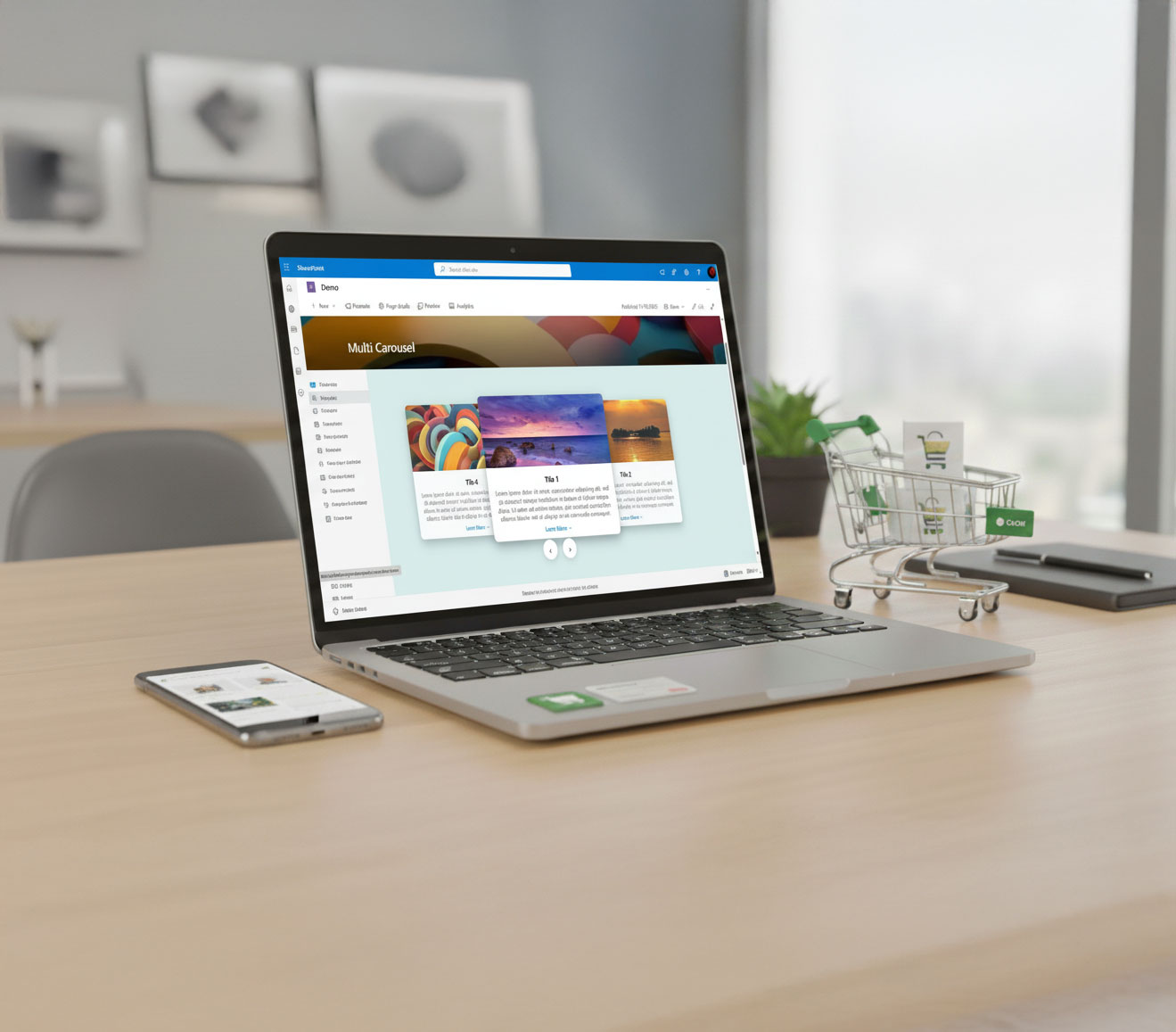
The 3D Interactive Carousel Web Part allows content authors to showcase multiple items—such as announcements, promotions, events, or featured content—in a modern, visually engaging format.
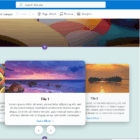
It displays one main tile in the center and two supporting tiles on the left and right, creating a smooth center-focused 3D sliding effect. Users can manually move between items or allow automatic rotation.
Key Features
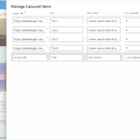
✔ Fully customizable from the property pane
Content authors can easily update:
- Image
- Title
- Short description
- “Learn More” link (optional)
✔ Center-focused sliding animation
The carousel keeps the main tile in the center while side tiles appear slightly rotated and scaled to create depth.
✔ Auto-rotation option
The carousel can automatically rotate through items at a smooth pace, or authors can disable auto-rotation if they prefer manual navigation.
✔ Responsive design
The carousel automatically adjusts to fit screens of all sizes, including desktop, tablet, and mobile.
✔ Modern SharePoint look & feel
Designed to match modern SharePoint experiences with clean visuals and smooth animations.
Need more customization? We’re here to help! If you’d like to tailor the Webpart further to meet your specific needs, please don’t hesitate to contact us.
Note: Full-width sections are a standard SharePoint limitation. They are natively supported only on Communication Sites and are not available on Team Sites. This applies to all web parts, including Microsoft’s out-of-the-box web parts and custom-developed ones.
If you are using a Team Site and need a full-width layout, you can download and install our FullWidth extension from here.




There are no reviews yet.