

Description
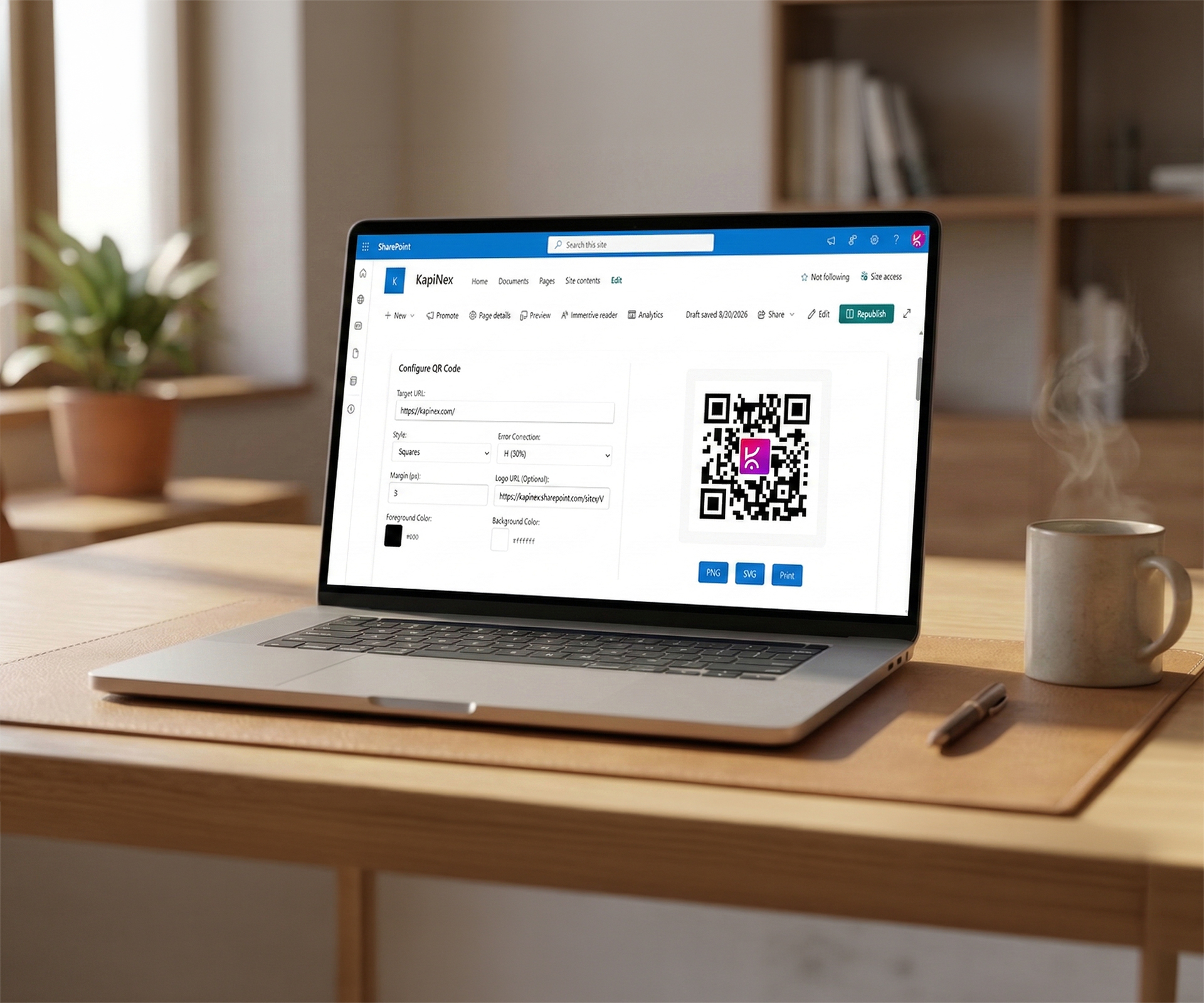
The QR Code Creator is a powerful, client-side SharePoint Framework (SPFx) Web Part designed to generate dynamic, highly customizable QR codes entirely within the browser.
By leveraging the local qrcode.react library, the logic is kept completely within the client bundle. This ensures that no URLs or data are ever sent to third-party API endpoints, guaranteeing complete data privacy and security within your Microsoft 365 environment.
Key Features
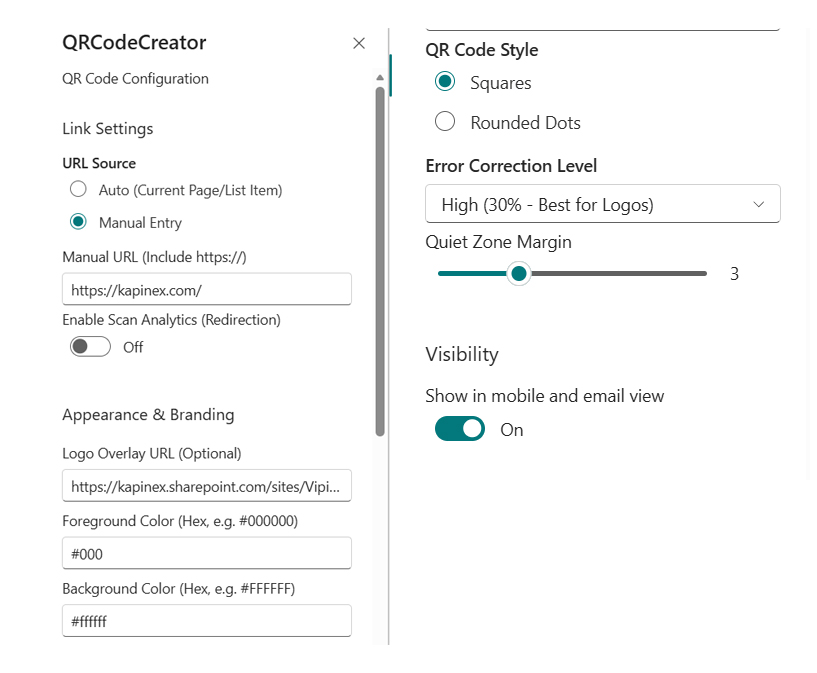
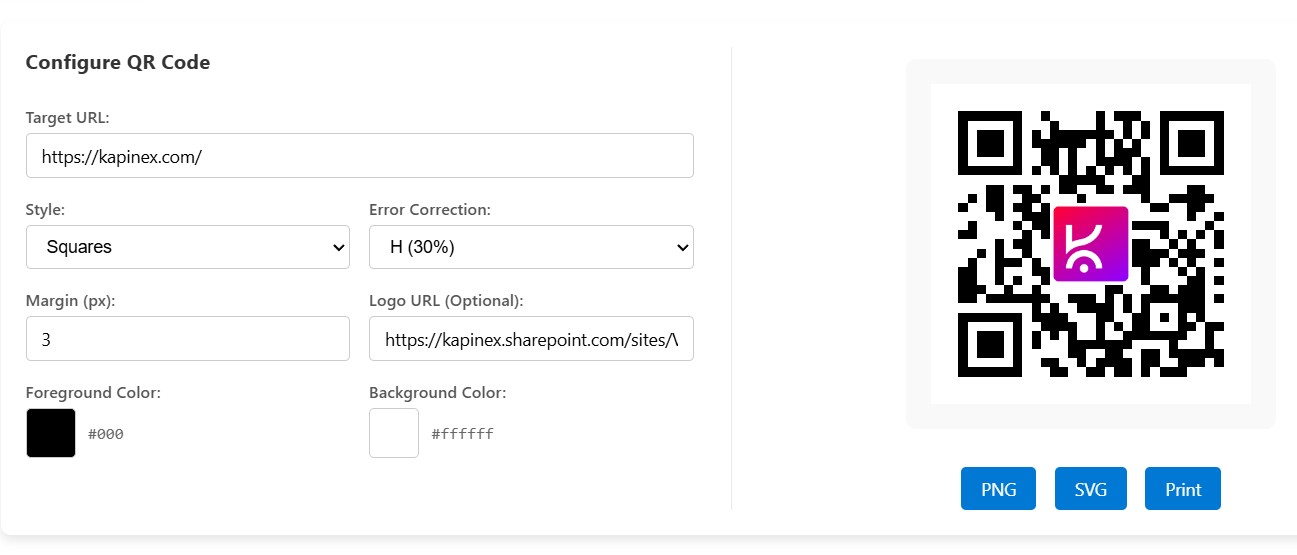
- Interactive Frontend Configuration: End-users can customize the QR code target URL, geometry, branding logos, and color palettes on the fly directly from the SharePoint page, without needing to edit the web part property pane.
- Dynamic Context-Aware URLs: Automatically detects the current page URL or list item ID (when placed on a Display Form) to generate contextual deep links without manual data entry.
- Advanced Geometry & Layouts: Fine-tune the “quiet zone” margin, select between standard square modules or modern rounded dots, and configure Error Correction Levels (L, M, Q, H) to ensure reliable scanning under any condition.
- Branding & Logo Overlay: Apply custom foreground and background HEX colors using native HTML5 color pickers to match corporate branding, and safely embed a custom logo directly in the center of the QR code.
- Multi-Format Export: One-click export to PNG (best for standard documents and web) or SVG (ideal for high-resolution vector printing and graphics).
- Print-Ready View: Optimized
@media printCSS ensures that when a user prints the page (Ctrl + P), all SharePoint navigational items, toolbars, and configuration forms disappear, leaving only a perfectly centered QR code on the printed page. - Scan Analytics Integration: Supports routing URLs through a custom redirector link (like Azure Functions) to track scan data before delivering users to the final destination.




There are no reviews yet.