

Description
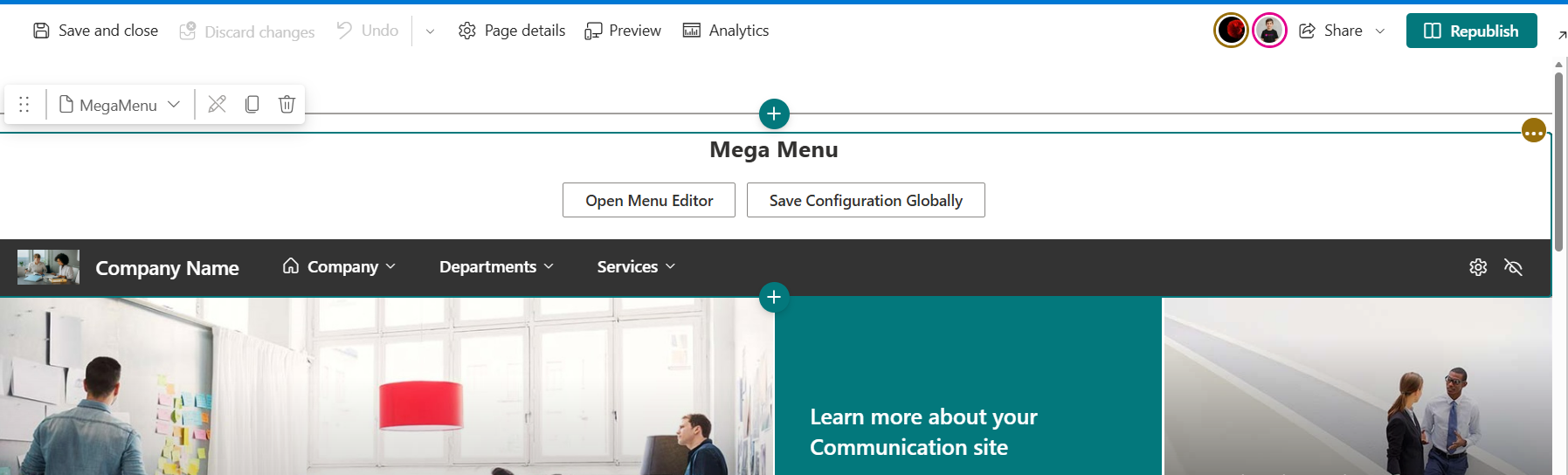
The “Mega Menu” Builder is designed to solve the biggest frustration with standard SharePoint navigation: the rigid, text-only 3-level hierarchy that is difficult to manage and visually unappealing.
Core Features & Capabilities
1. Visual Drag-and-Drop Editor
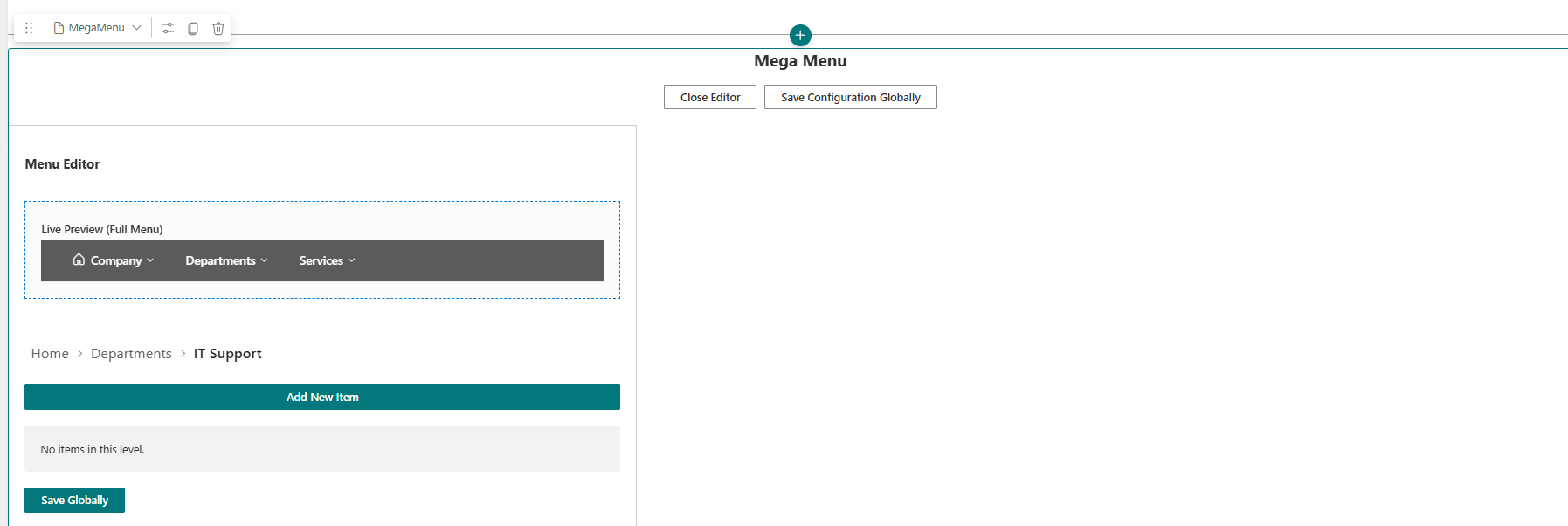
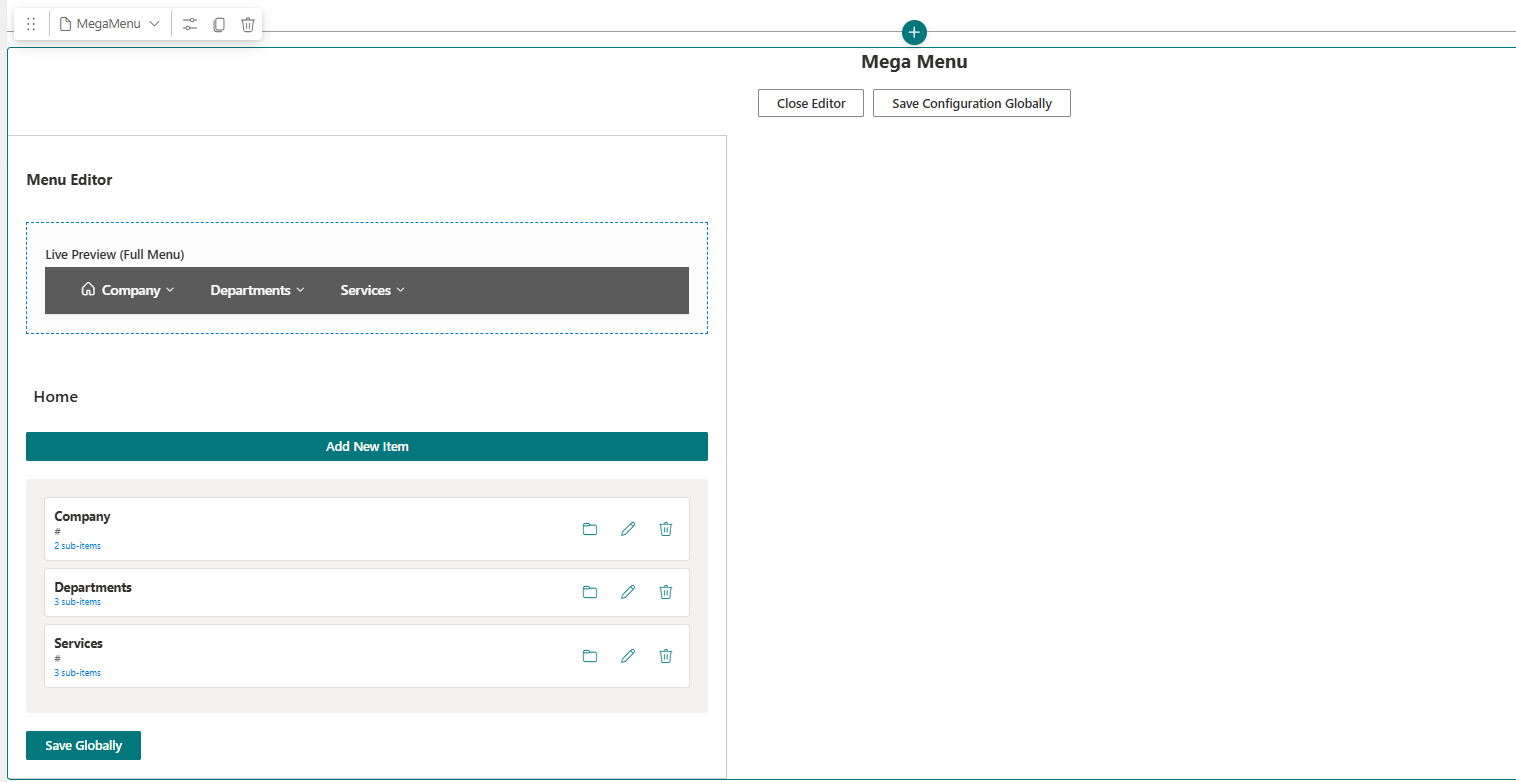
Intuitive Layouts: Unlike the standard “Move Up/Down” ellipses menu in SharePoint, your webpart allows users to drag links and labels into columns and rows directly in a live preview.
Multi-Column Support: Easily create 2, 3, or 4-column layouts within a single dropdown to organize vast amounts of information without clutter.
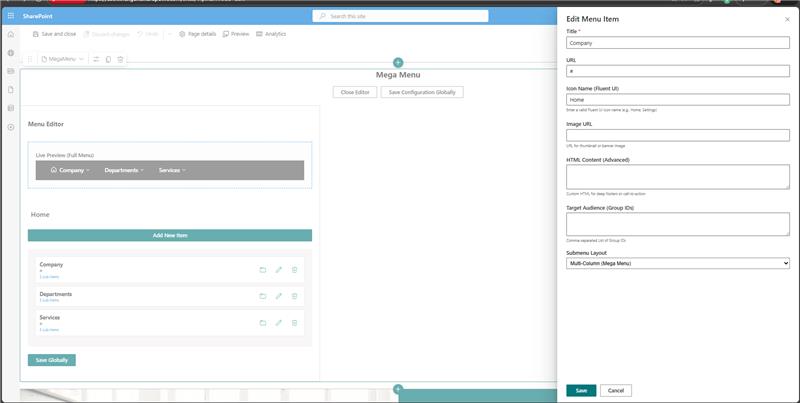
Live Preview: See exactly how the menu looks to an end-user while you are editing it—no more “Save and Refresh” to check your work.
2. Rich Media Integration
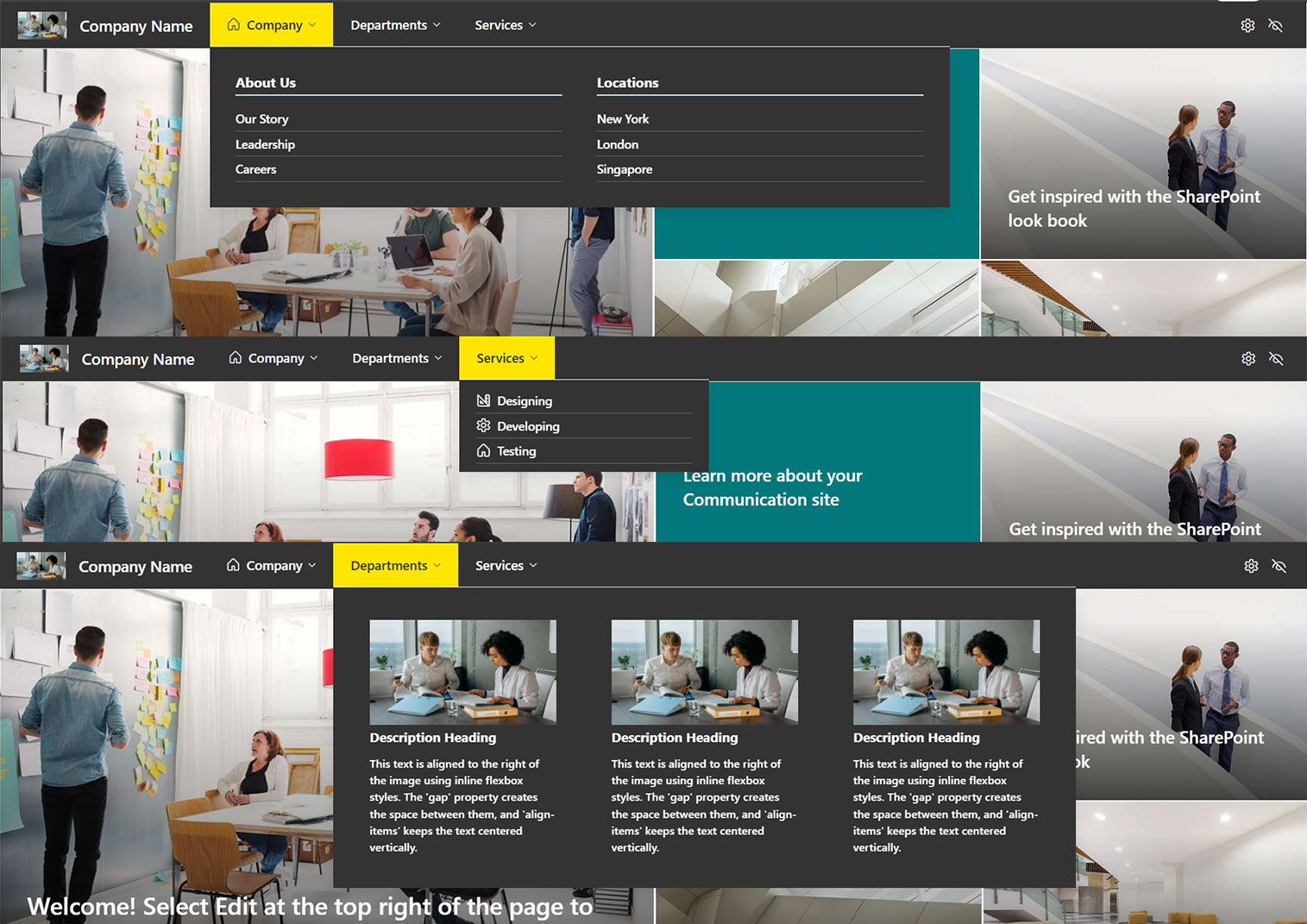
Icon Library: Native support for Font Awesome or Fluent UI icons to make navigation scannable.
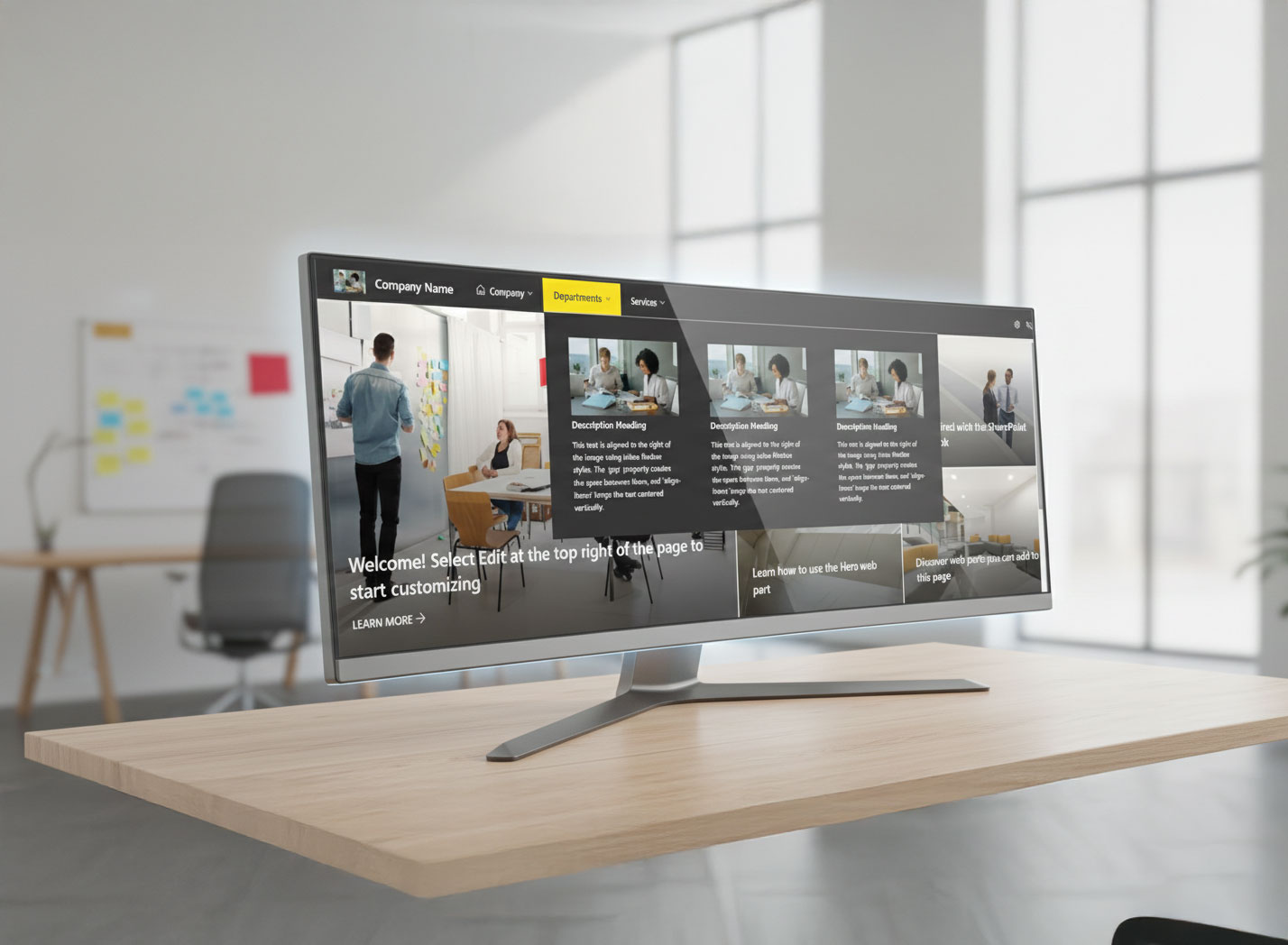
Images & Graphics: Ability to embed small thumbnails or promotional banners within the menu (e.g., a “New Policy” banner inside the HR menu).
HTML Support: For advanced users, allow custom HTML snippets to create “Deep Footers” or specialized call-to-action buttons.
3. Advanced Personalization (Audience Targeting)
Security Trimming: Automatically hide menu items based on Microsoft 365 Groups or Entra ID (Azure AD) security groups. A “Finance” menu item is only visible to the Finance team.
Dynamic Links: Ability to pull “Recent Files” or “Followed Sites” directly into the mega menu for a personalized user experience.
4. Global Management & Performance
Cross-Site Consistency: One central SharePoint list (or configuration file) drives the menu across all site collections and hub sites, ensuring navigation is never out of sync.
Fast Loading (Caching): Optimized SPFx code that caches the menu structure locally in the user’s browser, preventing the “flicker” often seen with heavy custom headers.
Fully Responsive: Automatic transformation into a “Hamburger” or “Accordion” menu for the SharePoint Mobile App and tablet views.
Competitive Comparison (Standard vs. Our Mega menu Webpart)
| Feature | Standard SharePoint Mega Menu | Our Mega Menu Webpart |
| Editing | Manual text-based hierarchy | Visual Drag-and-Drop |
| Visuals | Text links only | Icons, Images, & Banners |
| Levels | Hard limit of 3 levels | Unlimited nested levels |
| Columns | Controlled by SharePoint logic | User-defined (1-6 columns) |
| Centralization | Manual update per Hub | Single-source updates globally |


There are no reviews yet.