

Description
Who made your week better? Say thanks.
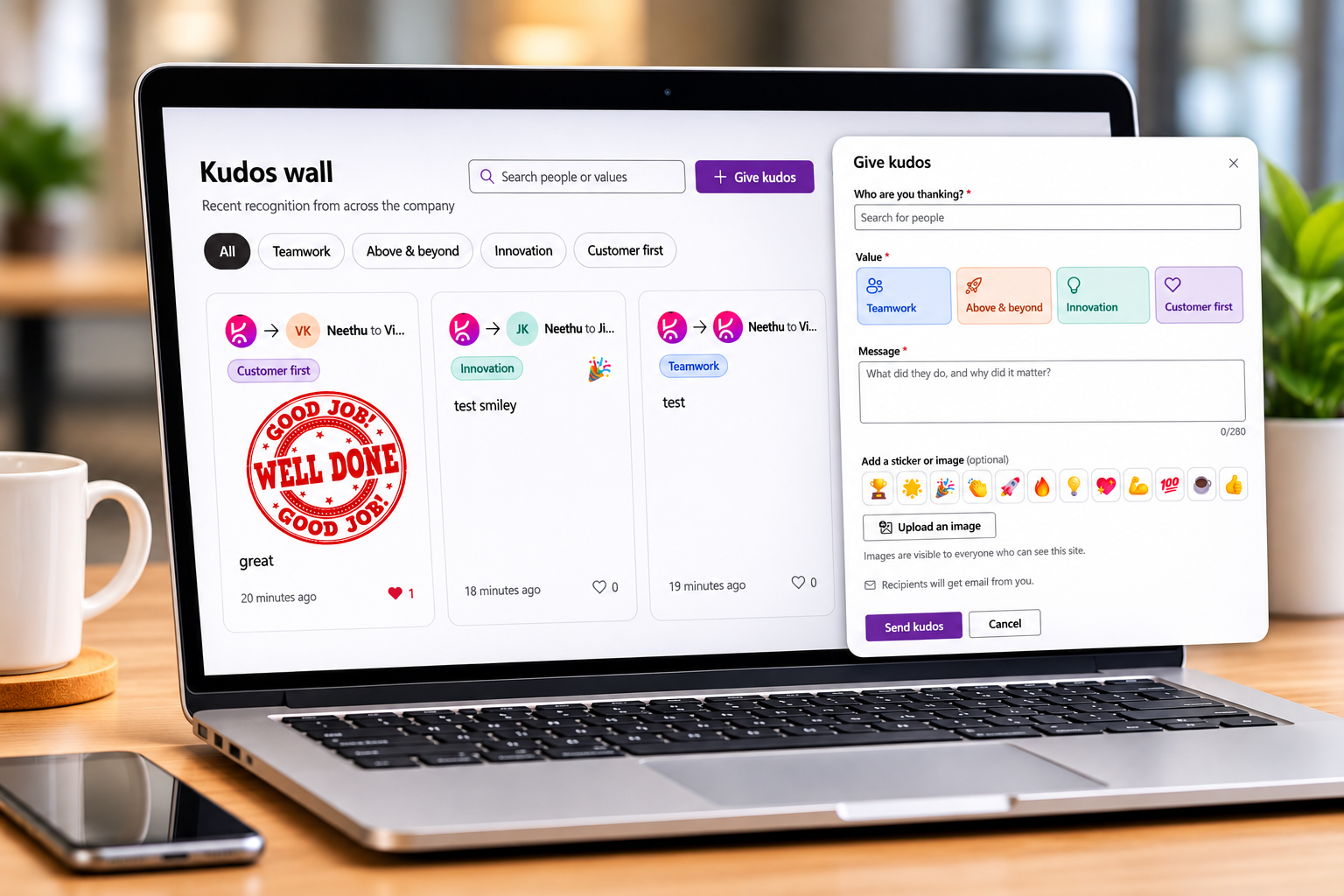
Kudos Wall is a peer recognition web part for SharePoint Online and Microsoft Teams. Employees thank colleagues publicly, link each thank-you to a company value, and the people they recognise are notified by email and Teams. Giving kudos takes less than a minute, and the recognition stays visible to the whole team.
Peer recognition in a few clicks
- Thank up to 10 colleagues at once. Search the company directory and pick the people you want to recognise. You can’t give kudos to yourself.
- Recognise company values. Link each kudos to a value such as Teamwork, Above & beyond, Innovation or Customer first. Site owners choose the values, colors and icons.
- Write a short, specific message. Messages can be up to 280 characters, and a counter shows what’s left.
- Add a sticker or a photo. Choose from 12 built-in stickers, or upload a PNG, JPG, GIF or WebP image up to 5 MB, with a description for screen reader users.
- Drafts are kept. If you close the form before sending, your message is still there when you come back.
Email and Microsoft Teams notifications
When you send kudos, each person you recognised gets:
- An email from you, with your message and a link to the Kudos Wall
- A Microsoft Teams chat message from you, with the same message
The new kudos appears on the wall immediately, with a short confetti animation.
A searchable recognition wall
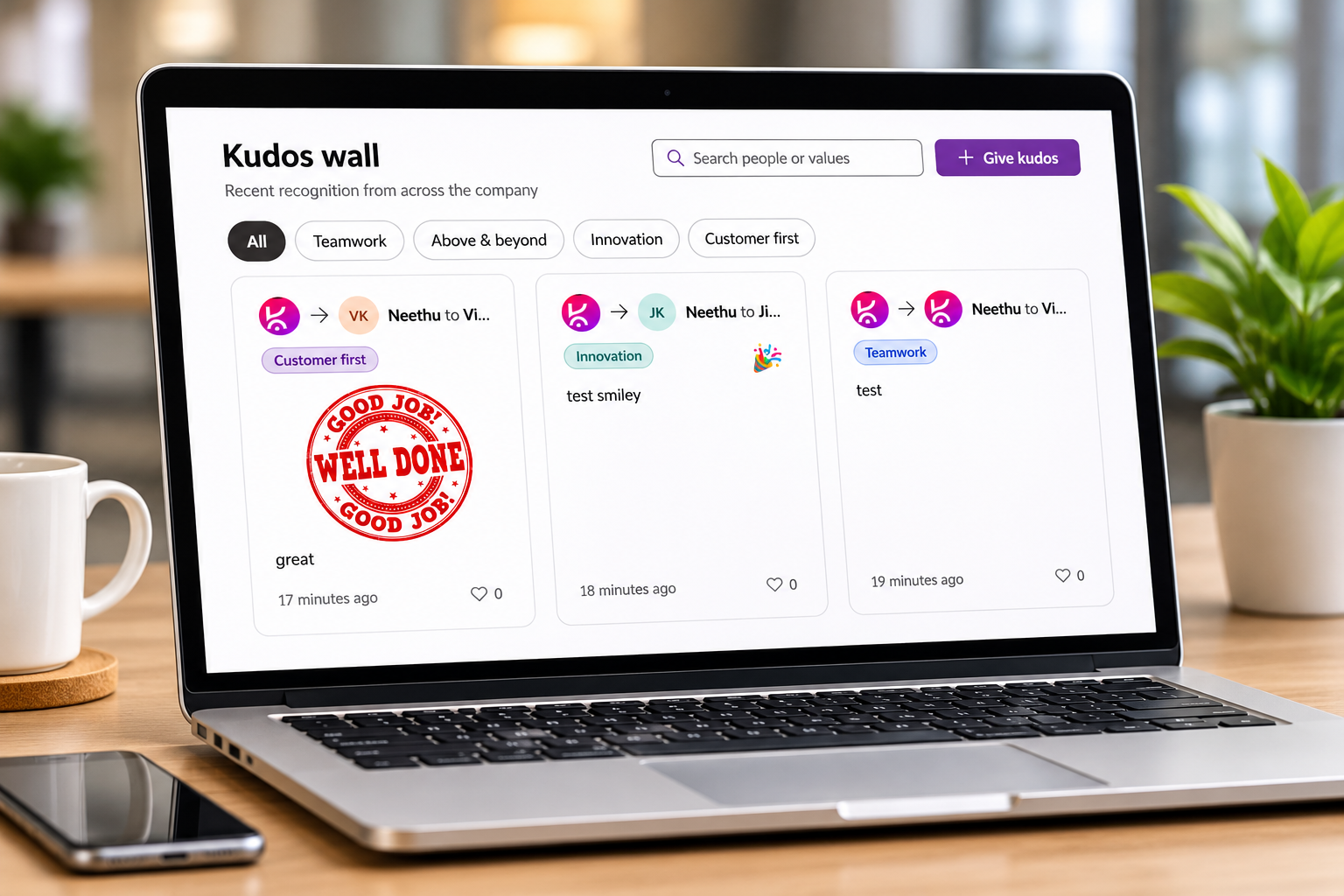
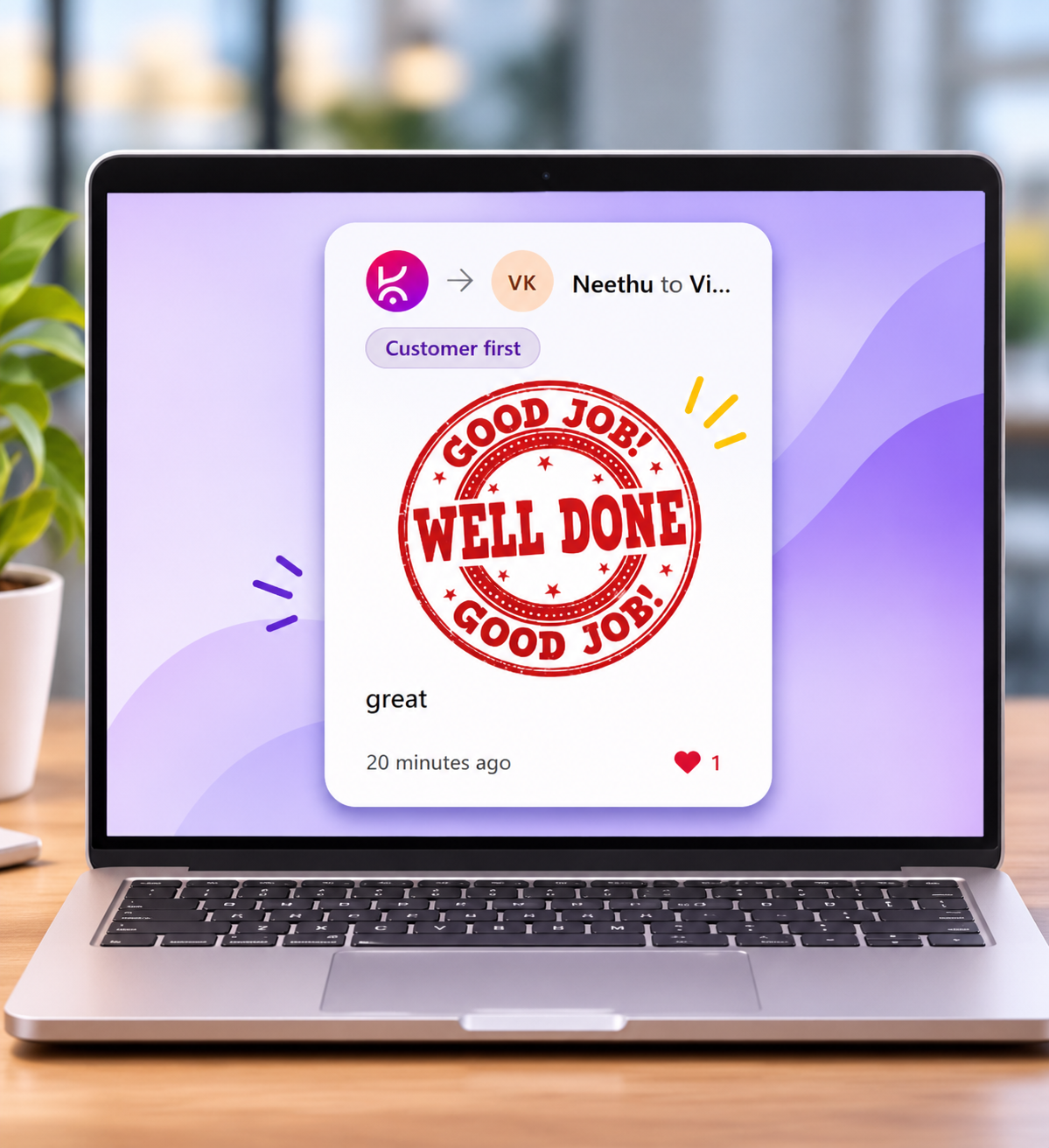
- Recognition cards show who thanked whom, the value, the message, any sticker or photo, and when it was posted.
- Search by person, value or message text.
- Filter by company value with one click.
- Load more to browse older recognition.
- Like kudos from colleagues: one like per person, and you can take it back.
Works in SharePoint, Microsoft Teams and on mobile
- SharePoint Online pages, including full-width sections and full-page apps
- Microsoft Teams, as a channel tab or a personal app
- Phones, tablets and desktops, with a responsive layout of one to four columns
Accessible and on brand
- Fully usable with a keyboard
- Screen reader support for names, values, likes and search results
- Colors checked for readable contrast
- Animation turned off when the user’s device is set to reduce motion
- Follows your SharePoint site theme, including dark themes
Easy setup for site owners
- Edit a SharePoint page, click +, and add the Kudos web part.
- Click Create lists. The web part creates everything it needs on the current site:
- Kudos: the recognition entries
- KudosLikes: one entry per like
- KudosImages: a library for uploaded photos
- Sites set up before stickers and photos were added show an Update lists button in edit mode. One click adds photo and sticker support.
No separate database or external service is needed. All data stays in your own SharePoint site.
Privacy and governance
- Kudos and photos are visible to everyone who can access the site.
- Notifications are sent from the giver’s own mailbox and Teams account.
- People can edit or delete only their own kudos and likes.
- Site owners can hide any kudos from the wall without deleting it.
Frequently asked questions
Does Kudos Wall work in Microsoft Teams? Yes. Add it as a tab in a Teams channel or as a personal app, as well as on SharePoint pages.
Where is recognition data stored? In SharePoint lists and a document library on your own site. Nothing is sent to an outside service.
Do email and Teams notifications need admin approval? Yes. A Microsoft 365 admin approves the Microsoft Graph permissions once (Mail.Send, Chat.Create and ChatMessage.Send). Until then, kudos still work without notifications.
Can we use our own company values? Yes. Site owners can add, rename, reorder and remove values, and set a color and icon for each.
If you are using a Team Site and need a full-width layout, you can download and install our FullWidth extension from here.




There are no reviews yet.