

Description
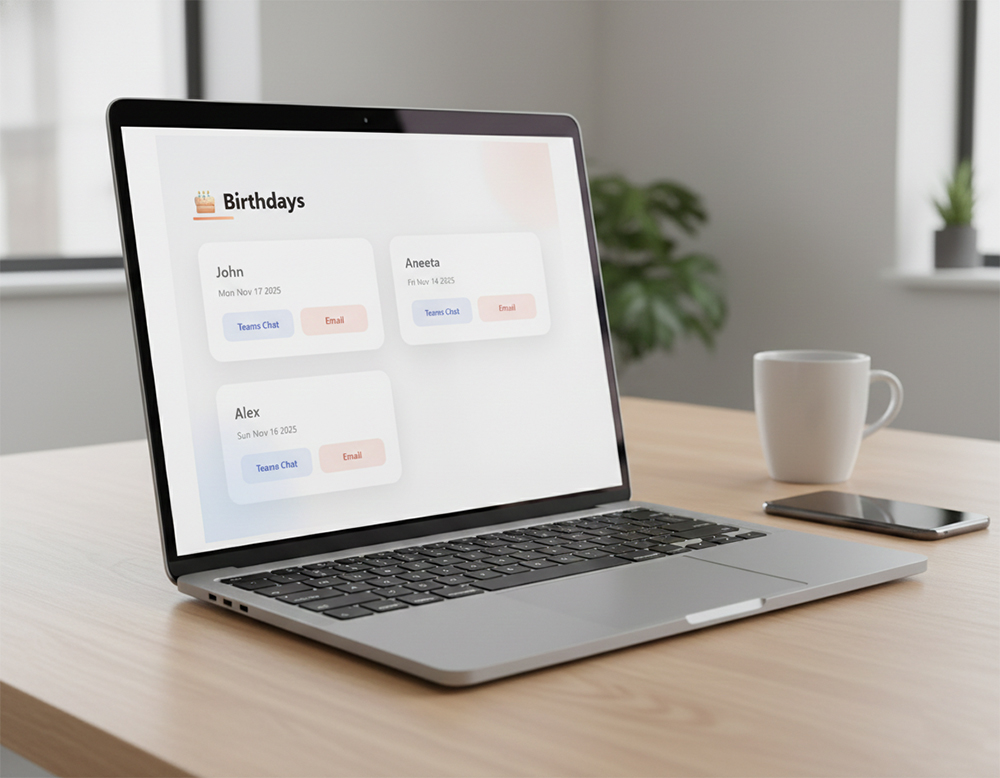
This Birthday web part is a SharePoint Framework (SPFx) component designed to display a list of birthdays from a SharePoint list. It allows users to quickly view upcoming birthdays and interact with colleagues directly from the web part.
Key Features
- Data Source: Fetches birthday information from a specified SharePoint list.
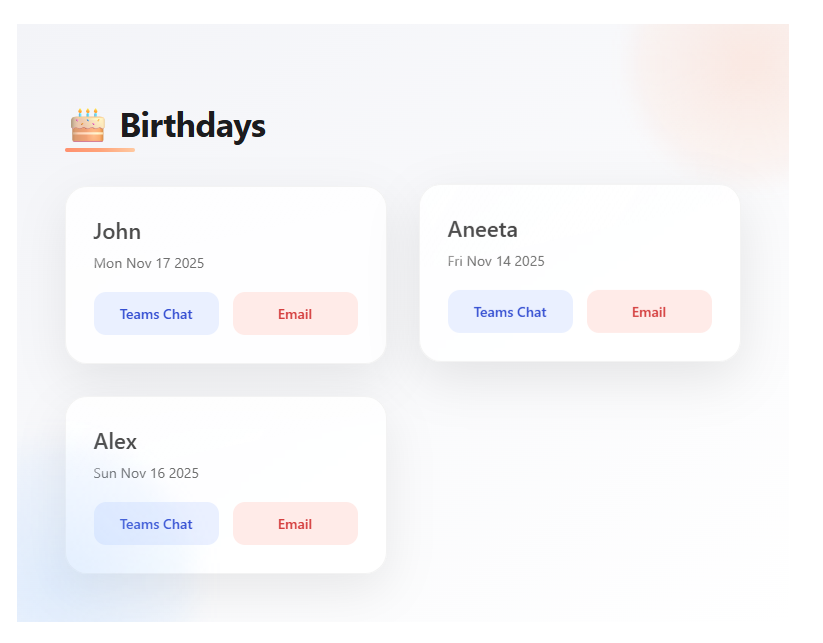
- Card Layout: Displays each person’s Name and Date of Birth in a card format.
- Direct Actions:
- Teams Chat: A button to immediately open a Teams chat with the user.
- Email: A button to open the default email client with a pre-filled “Happy Birthday” subject and message.
Configuration Guide
To configure the web part to work correctly, follow these steps:
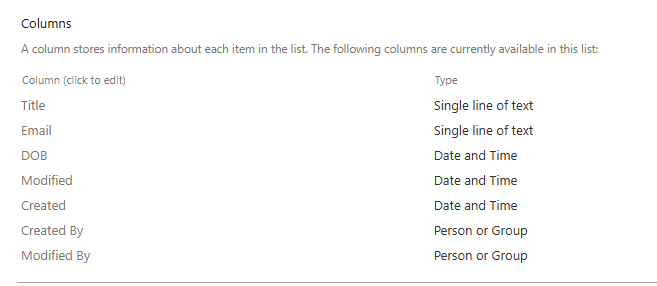
- Prerequisites: Ensure you have a SharePoint list created with the following columns:
- (Text): For the person’s name.
- (Date/Time): For the date of birth.
- (Text/Person): For the person’s email address (used for the Chat and Email buttons).
- Add to Page: Add the Birthday web part to your SharePoint page.
- Configure:
- Click the Edit web part (pencil icon) button on the left side of the web part.
- In the property pane that opens on the right, look for the List Name field.
- Enter the exact display name of your SharePoint list (e.g.,).
- Save: Publish or Save your page. The web part will now fetch and display items from that list.
EmployeeBirthdaysEmailDOBTitle



There are no reviews yet.