

Description
How this differs from the default Quick Links:
The default Quick Links web part can only be edited on a single page. Any changes made on one page will not be reflected on other pages where it is used.
This custom solution, however, can be reused across the entire site while maintaining the same data. Any updates made will automatically be reflected wherever it is used.
Features of SharePoint Quick link webpart
1. Interactive Visual Carousel
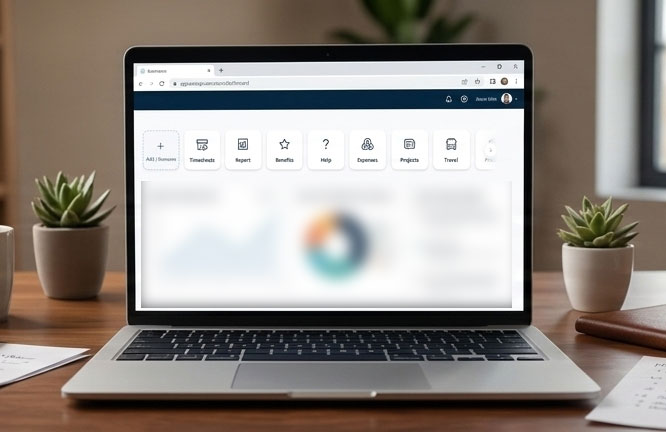
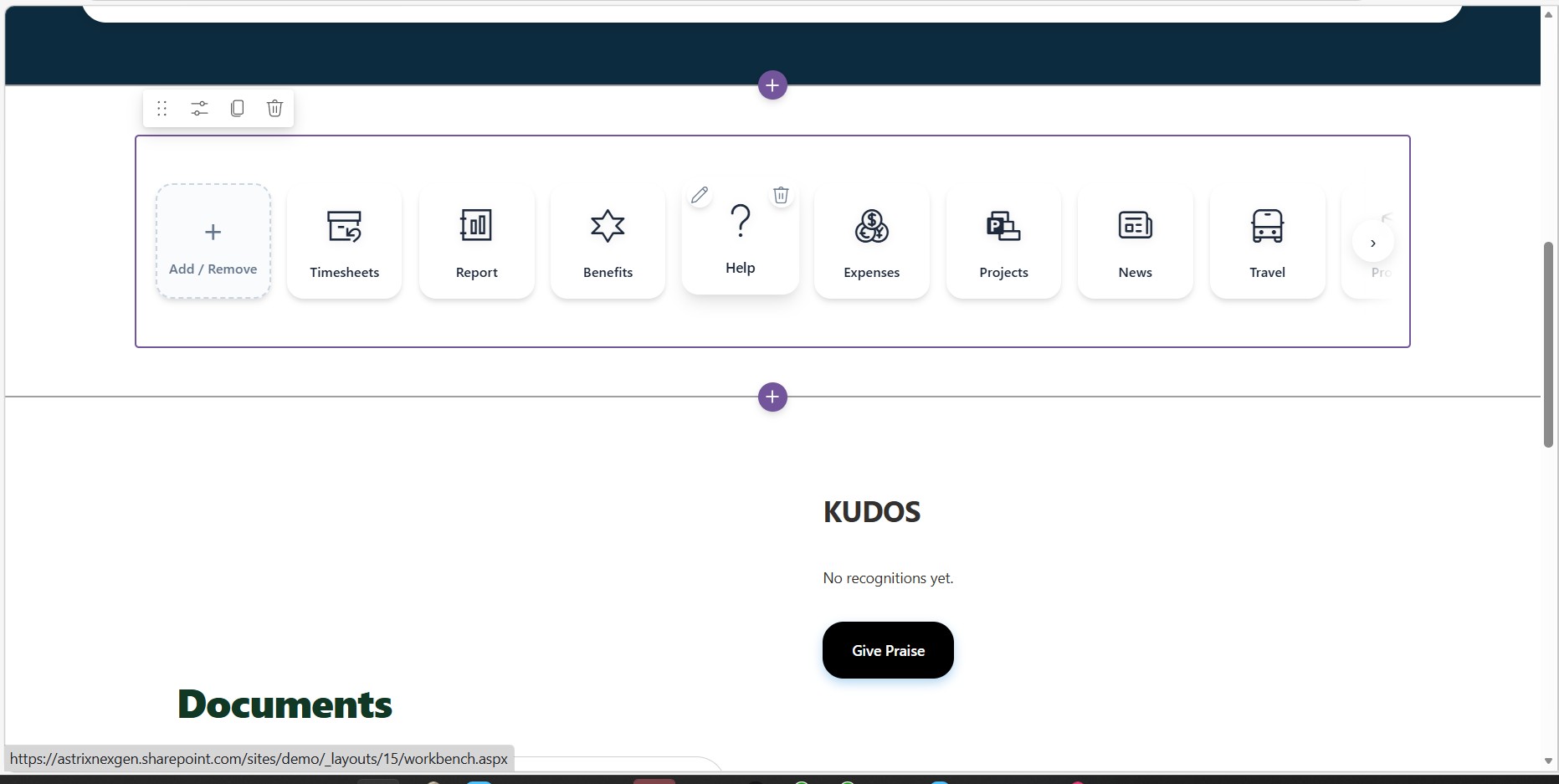
Instead of a boring, static list of text links, your quick links are displayed in a modern, horizontal scrolling “carousel.” If you have more links than can fit on the screen, smooth left and right arrows will automatically appear so you can easily scroll through them.
2. “One-Click” Add & Remove
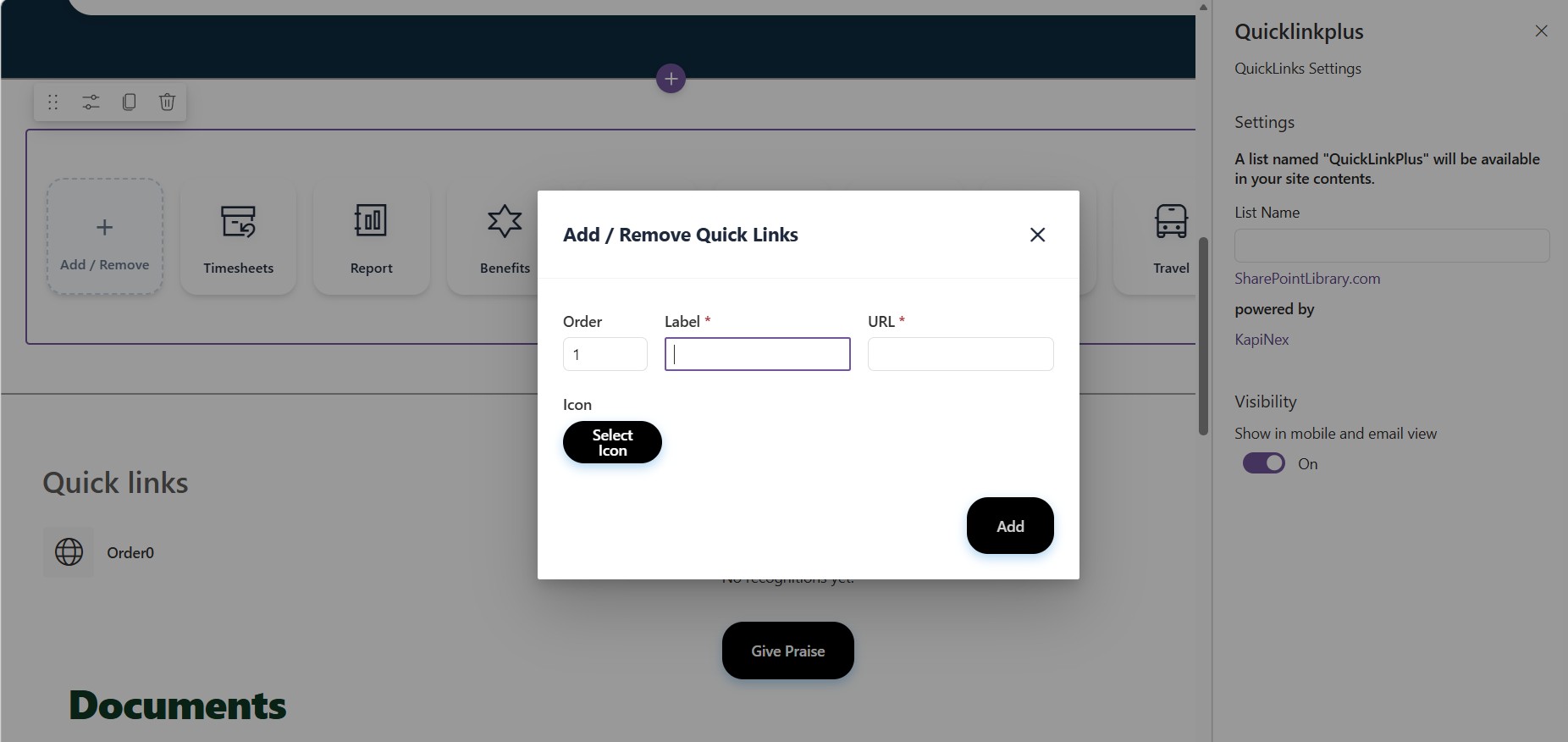
There is a permanent “Add / Remove” tile at the very beginning of the carousel. Clicking this instantly opens a simple pop-up window right on the page, allowing you to manage your links without having to navigate away to a complicated SharePoint settings page.
3. Customizable Icons
When adding or editing a link, you aren’t stuck with generic bullets or images. You can use the built-in Icon Picker to search for and select the perfect professional icon (like a briefcase, a document, or a globe) to visually represent each link so users can find what they need at a glance.
4. Easy Reordering
You have complete control over the sequence of the links. When adding or editing a link, you simply type in an “Order” number (like 1, 2, or 3), and the carousel will automatically arrange the tiles from left to right based on those numbers.
5. Seamless Editing
Every link tile has a small “Edit” pencil icon. If you ever need to change a link’s destination, update its title, or pick a new icon, you just click the pencil, and the editing window pops up immediately with the current details ready to be updated.
6. Opens in a New Tab
To ensure you never lose your current work or have to click “Back” repeatedly, every single external or internal link you click on the carousel is specifically designed to safely open in a brand new browser tab.


There are no reviews yet.